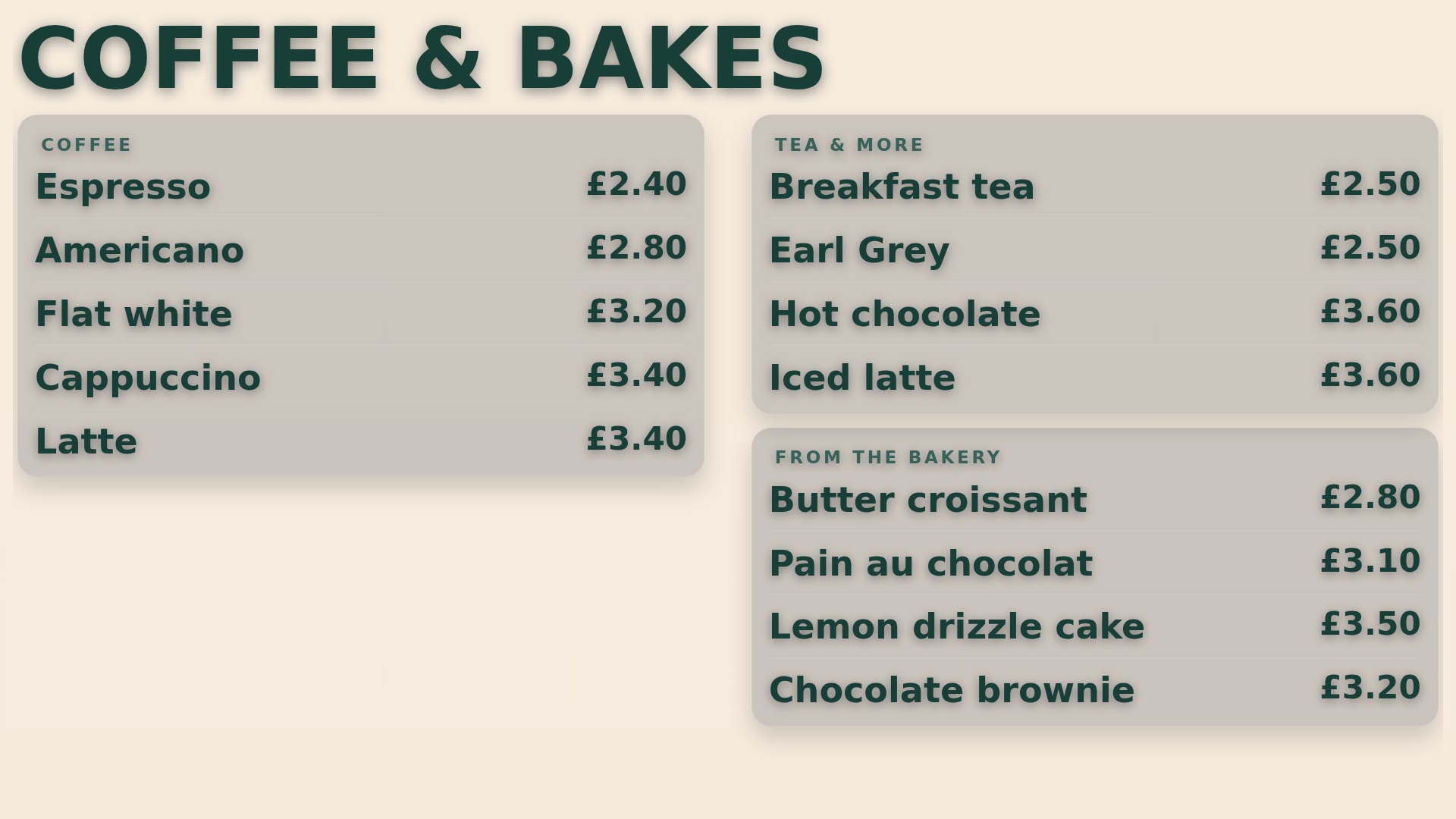
Start with a clear counter menu
Group similar items, keep names short and make prices easy to compare. Stand where customers queue and check the smallest text.
 Contact
Cafe guides
Choose a useful location, a clear message and content you can keep current.
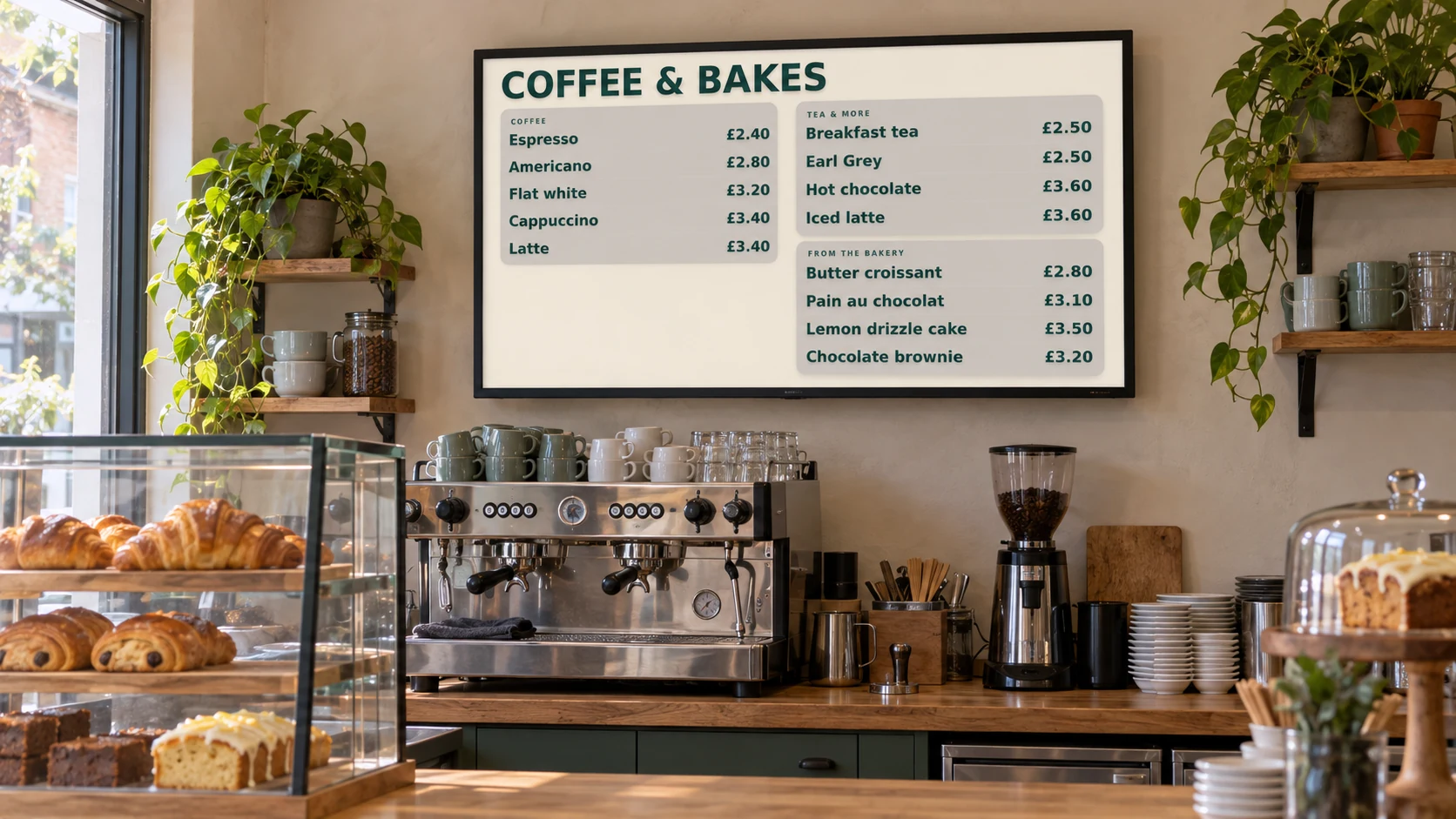
Group similar items, keep names short and make prices easy to compare. Stand where customers queue and check the smallest text.
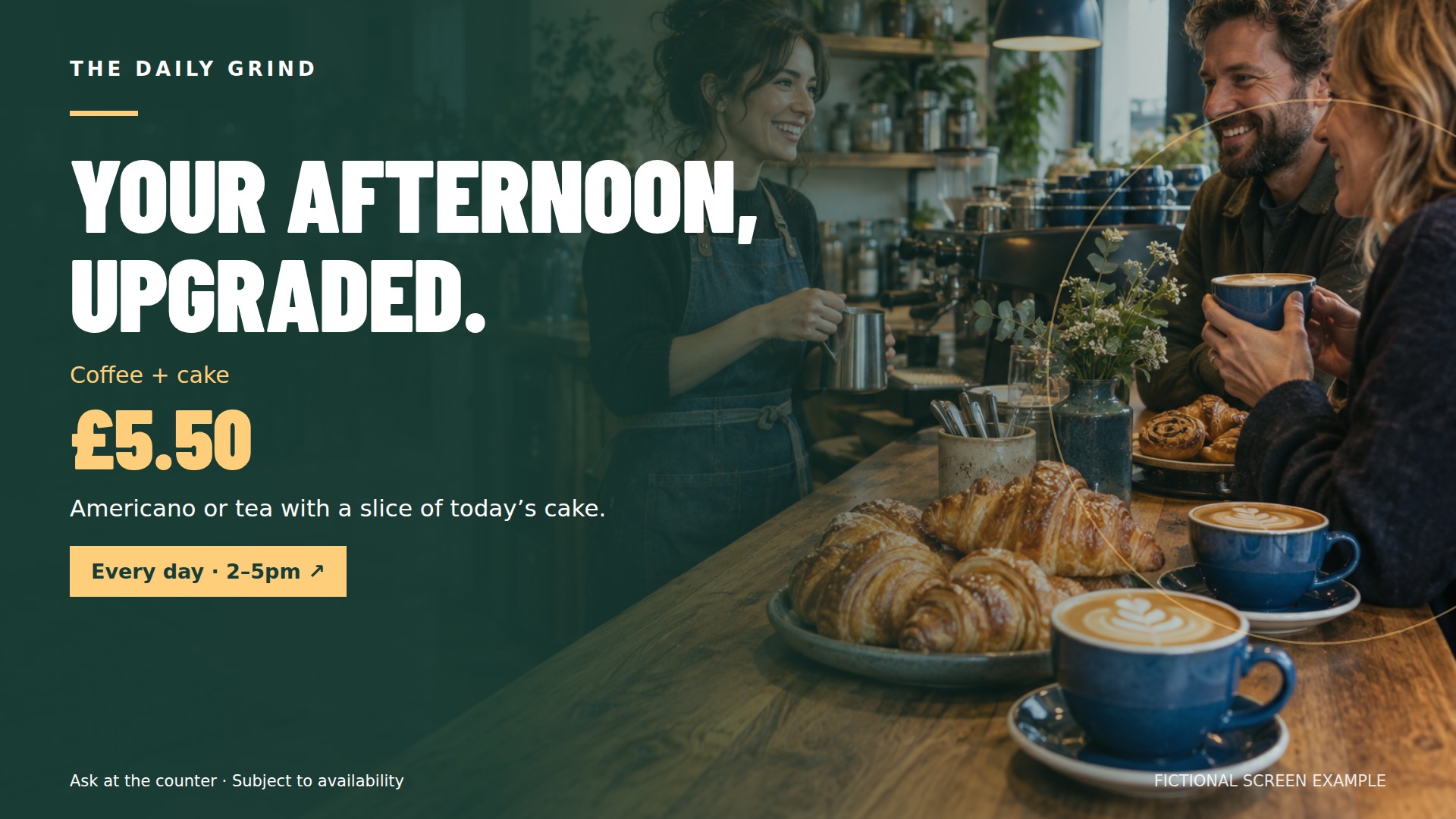
Pair a strong food photo with a short description and a clear price. Give one offer space rather than squeezing in every promotion.
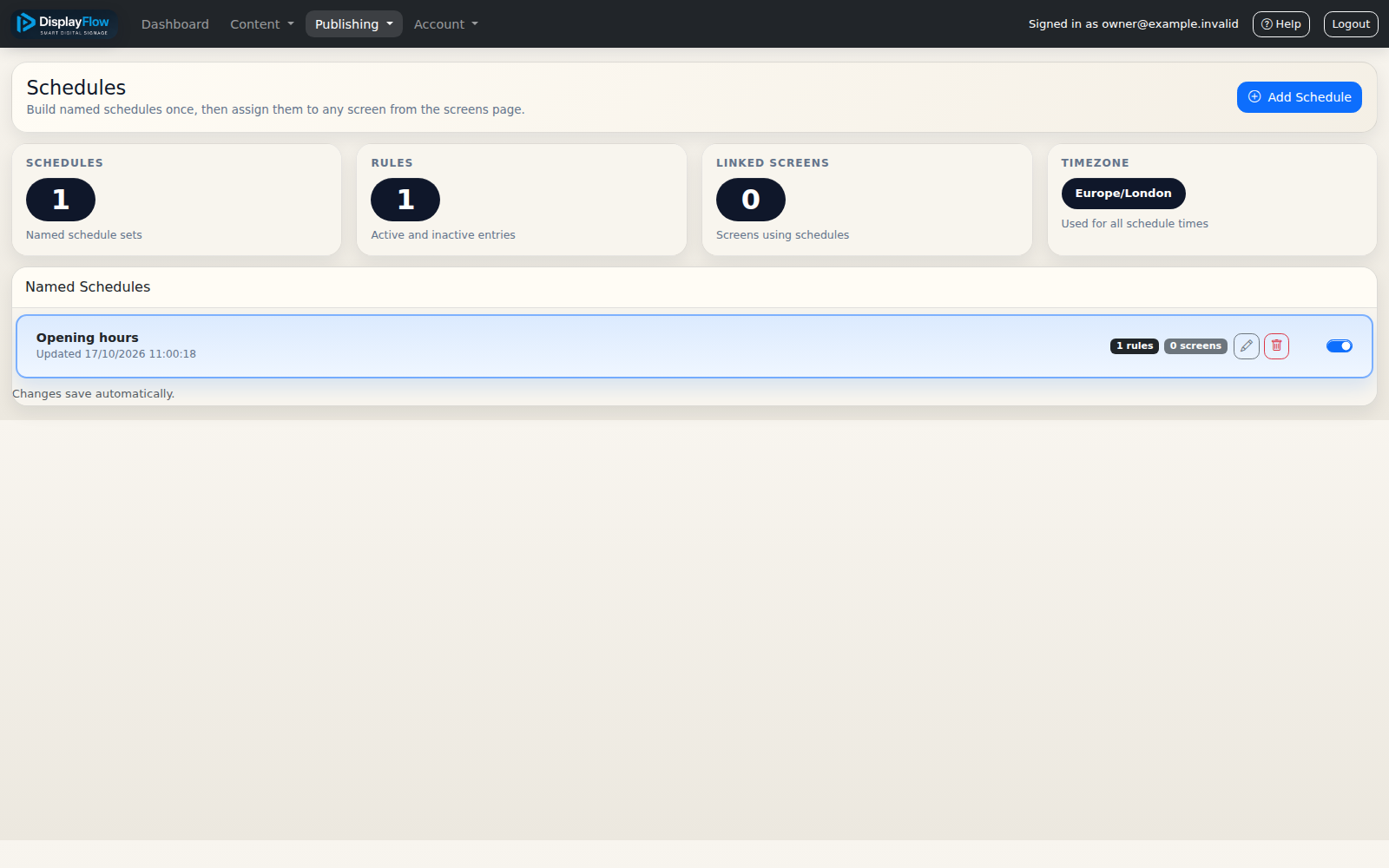
Prepare breakfast, lunch and afternoon content. Check the schedule and review it when opening hours or menu availability change.
Check viewing angles, mounting, power and network access. Window screens also need to suit daylight conditions; ask us about your setup.
Review prices, remove expired offers and change sold-out items. Keep allergen and service information accurate and easy to find.
Count the screens you need and compare monthly and annual software. Allow for optional equipment and installation.